Admin guide · Day to day
Log search
Search what a job's runs logged - an order number, a name, an error - over the time you choose.
| Where | Logs, in the main menu |
|---|---|
| Who | Anyone who can see the job |
| Plans | Every plan; how far back follows your plan |
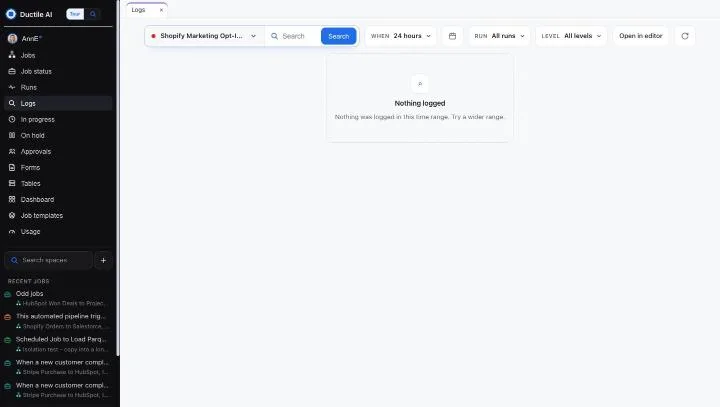
Search
- Pick the job at the left of the search bar.
- Type what happened - an order number, a customer's name, an error - and press Search.
- Narrow it: When (24 hours to start), Run (all runs, or one) and Level (all levels, or one).
- Open in editor opens the job's process.
"Nothing logged" means nothing in that range: try a wider one. A run's full record is on Process runs.
Last updated October 29, 2026