Admin guide · Day to day
Process runs
Every run of every job: whether it succeeded, what it read and wrote, and what it declined to do and why.
| Where | Runs, in the main menu |
|---|---|
| Who | Anyone who can see the job |
| Plans | Every plan; how far back follows your plan |
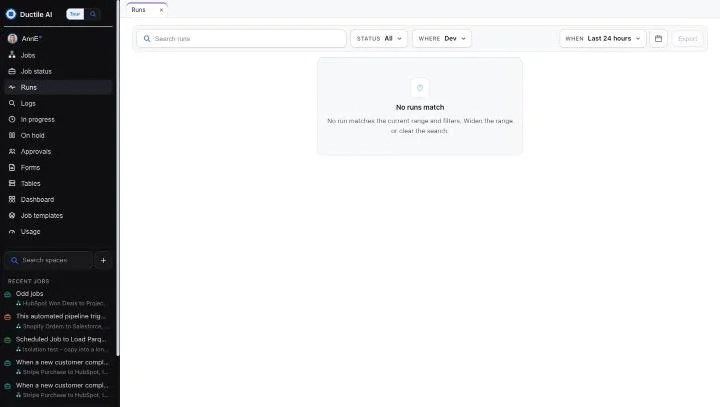
Find a run
- Search by job, process or what the run carried.
- Status: all runs, or one status.
- Where: the environment - Development or Production, and Test on Enterprise.
- When: the last 24 hours to start, or a range from the calendar.
- Export the list for your own records.
Read a run's record
Open a run to see each step: what it read, what it wrote, how many records went in and out, what it declined to do and why, and how long it took. A failed step says what failed and what to put right.
Last updated October 29, 2026