Admin guide · People
Members and roles
An organisation admin looks after the people: who is in the organisation, what each may do, and which groups give access to which spaces and jobs.
| Where | Settings › Organisation › Members |
|---|---|
| Who | An organisation admin |
| Plans | Team and above; Free is one seat |
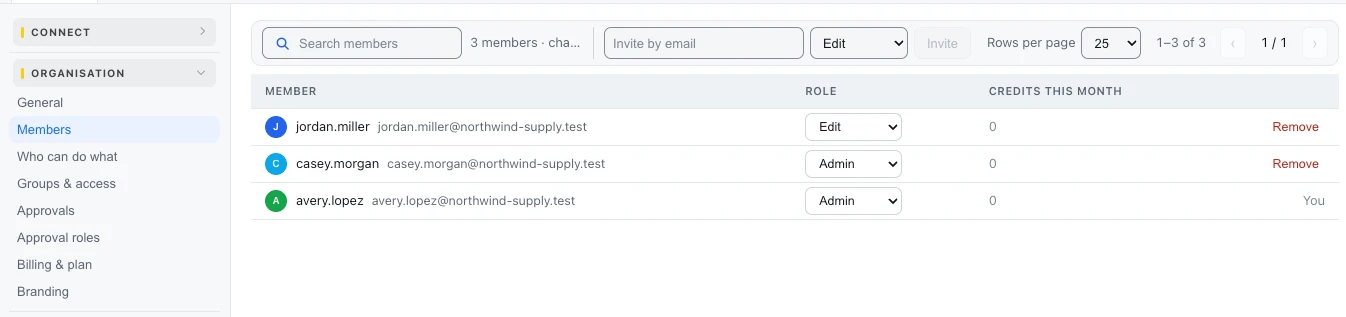
Who is an admin
Your organisation's first admin is set up with you by Ductile AI when you move to Team or above. An admin can then make others admins here. Free has one seat and no admin: the Free user has everything they need, including their own AI model.
Roles
| Role | What it gives |
|---|---|
| Read | Follow processes and their runs; troubleshoot |
| Edit | Build and change processes |
| Run | Switch webhooks, schedules and forms on and off; run and retry |
| Manager | Own a space or job and add its people |
| Promote | Copy a job to the next environment |
| Approver | Approve what is offered to them - nothing else |
| Configure AI | The AI gateway alone; every Free user has it |
| Admin | The whole organisation |
Who can do what shows every role against every permission; Groups & access gives a group a role on a space or a job, and single sign-on can fill the groups from your identity provider.
Last updated October 29, 2026